
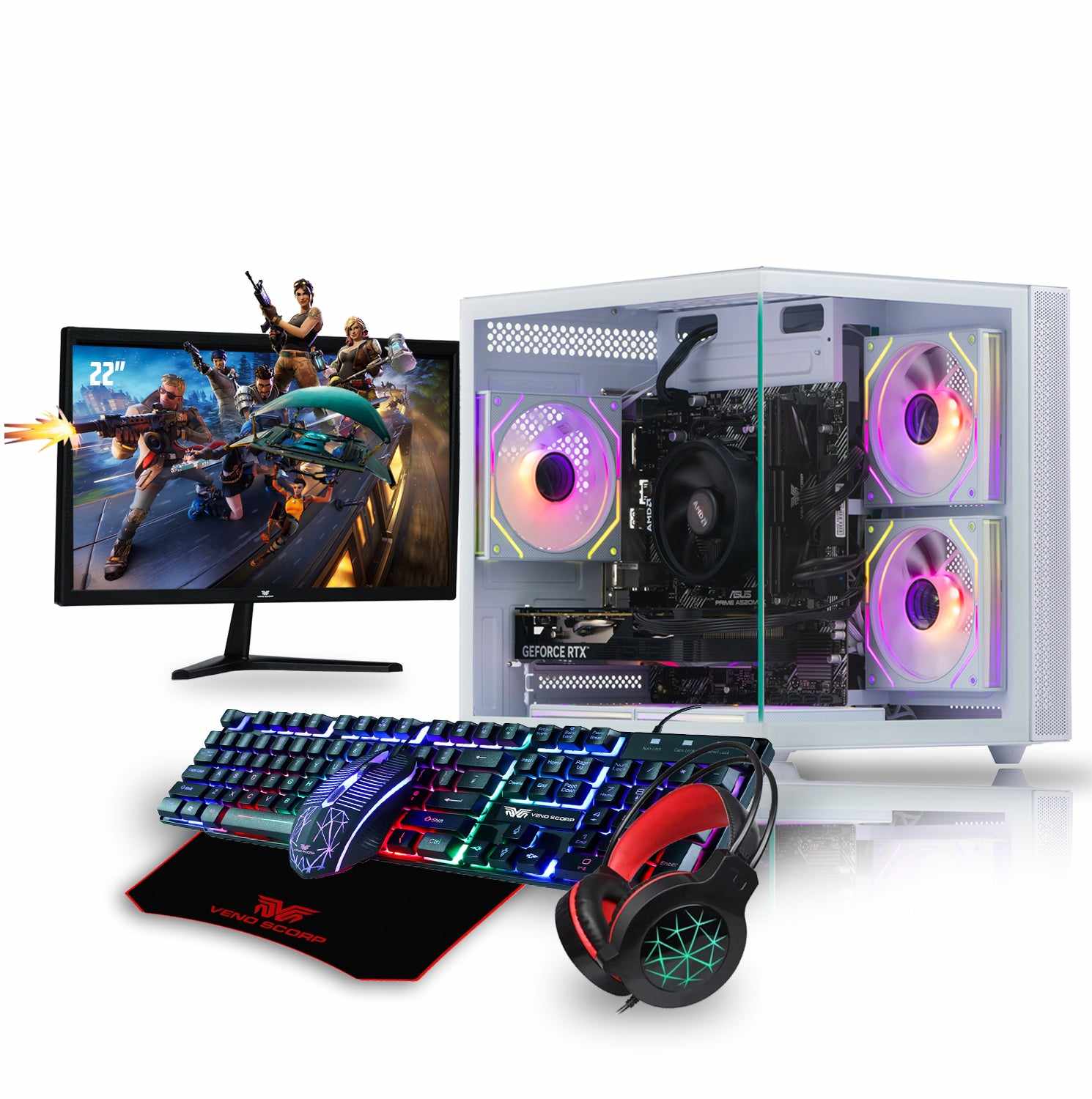
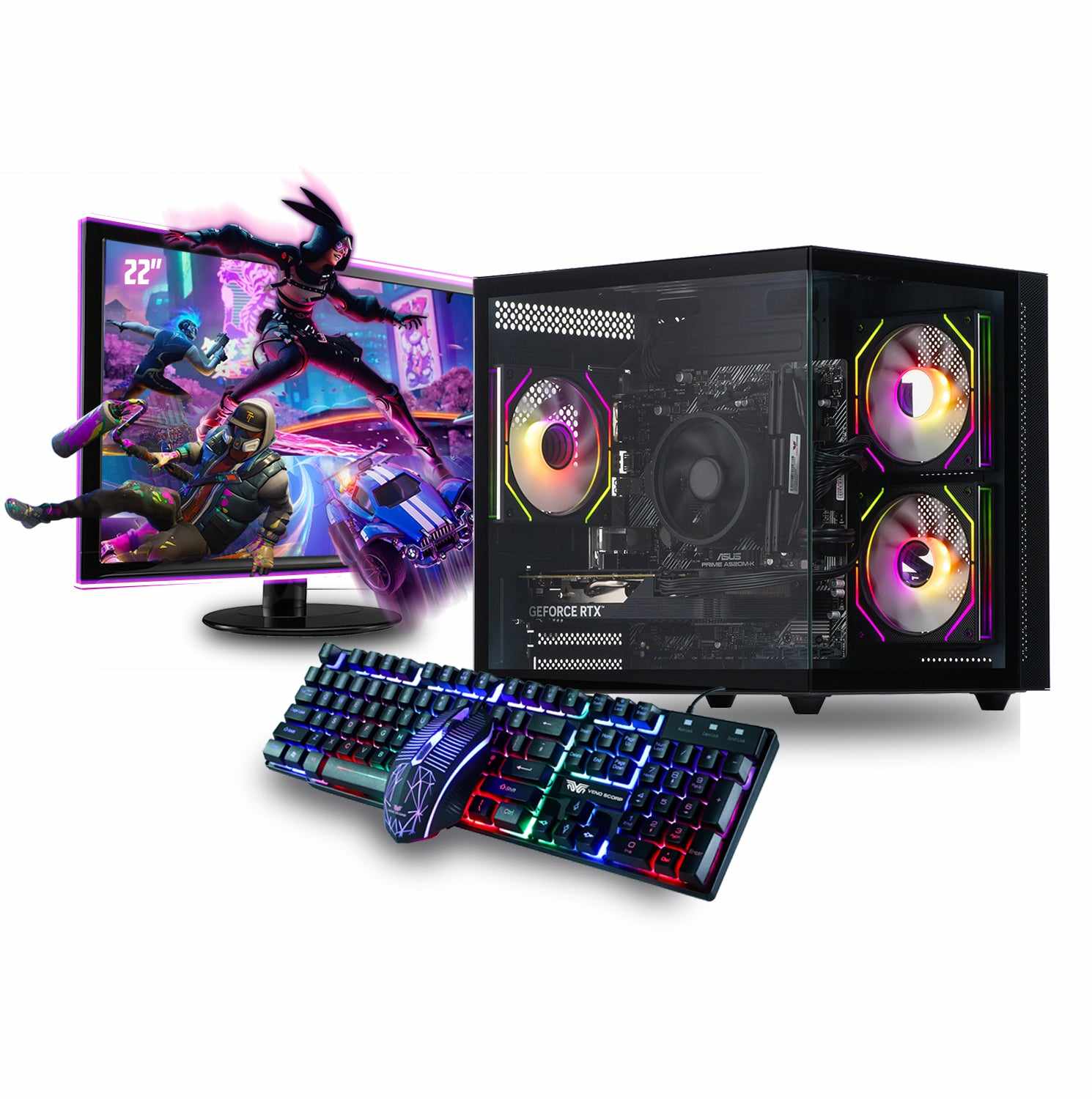
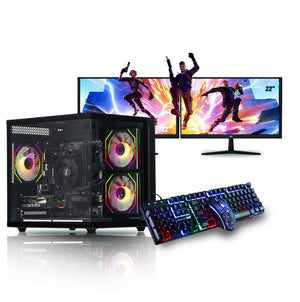
The world of PC gaming continues to evolve rapidly. In 2025, high-end gaming is no longer just about the latest graphics card or ultra-fast processor it's about building a system where every part works together seamlessly. Whether you are assembling your own rig or buying a prebuilt model like the Mini Nemesis 3 Black - Intel Core i3 13th 16GB NVIDIA GeForce RTX 3050 6GB N4-SE109, understanding the most important PC Components is essential for achieving smooth performance, high frame rates, and long-term reliability.
This guide breaks down each crucial PC component in detail, explaining what it does, why it matters in 2025, and what you should look for when aiming for a high-performance gaming setup.
1. CPU: The Engine Behind Every Game
The CPU remains one of the most important PC Components for any gamer. While GPUs handle visuals, the CPU controls game logic, physics, AI, data processing, and multitasking.
Why the CPU Matters in 2025
Modern games rely heavily on:
Fast single-core performance
Multi-threading for open-world titles
AI-driven game mechanics
Smooth background processing
With modern titles using more cores than ever, your CPU must be powerful enough to handle both gaming and additional tasks like streaming, recording, or running Discord.
Example: Mini Nemesis 3 Black CPU
The Intel Core i3 13th Gen inside the Mini Nemesis 3 Black delivers excellent performance for entry-level to mid-range gaming, thanks to:
Strong single-core speeds
Efficiency cores for multitasking
A boost clock ideal for esports and everyday gaming
While higher-tier CPUs exist, a 13th Gen i3 paired with the right GPU can deliver impressive results for 1080p gaming.
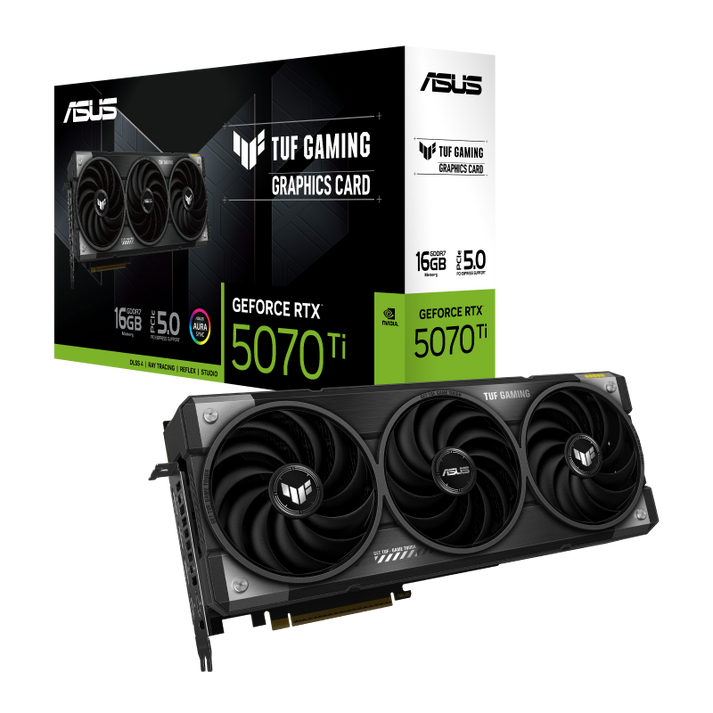
2. GPU: The Heart of Every Gaming PC
If the CPU is the brain, the GPU is the heart. It determines how well your games look and how smoothly they run.
Why the GPU Matters
A modern GPU handles:
Rendering graphics
Ray tracing
AI upscaling (DLSS, FSR, XeSS)
High-resolution gaming (1080p, 1440p, 4K)
With visually demanding games and advanced lighting systems becoming the norm in 2025, choosing the right graphics card is essential.
Mini Nemesis 3 Black GPU
The NVIDIA GeForce RTX 3050 6GB is a strong, efficient GPU known for:
Reliable 1080p gaming performance
Support for ray tracing
DLSS for enhanced FPS
Smooth esports gameplay
Lower power usage
For gamers wanting a budget-friendly system that still supports modern features like ray tracing and AI rendering, the RTX 3050 is a great option.
3. RAM: The Key to Multitasking and Smooth Gameplay
In 2025, the recommended RAM for gaming continues to rise due to bigger texture files, complex open-world environments, and modern operating system demands.
How Much RAM Do You Need?
16GB RAM — Entry-level to mid-range gaming (standard for 2025)
32GB RAM — Recommended for high-end gaming, streaming, and editing
64GB+ — Professional workloads and extremely heavy multitasking
Mini Nemesis 3 Black RAM
The system comes with 16GB RAM, which allows:
Smooth gameplay in nearly all modern titles
Efficient streaming and multitasking
Stable performance in open-world games
16GB is perfect for beginners and intermediate gamers looking for stable 1080p performance.
4. Storage: SSDs Are Now Non-Negotiable
Gone are the days when a mechanical HDD was considered acceptable for gaming. In 2025, fast NVMe SSDs are essential for:
Faster game loading times
Better texture streaming
Reduced stuttering
Improved system responsiveness
Types of Storage Options
NVMe Gen 4 SSD: Fast, reliable, ideal for most gamers
NVMe Gen 5 SSD: Extremely fast, ideal for enthusiasts
SATA SSD: Slower but still much faster than HDD
HDD: Only for bulk storage, not gaming
A gaming PC in 2025 should always have at least:
1TB SSD (preferred: NVMe)
Many prebuilts, including the Mini Nemesis 3 Black, include SSD storage options that deliver fast load times and smooth performance across Windows and modern games.
5. Motherboard: The Foundation of Your System
The motherboard connects all your PC Components and determines your:
Upgrade options
RAM speed support
Connectivity features
Expansion slots
Key Motherboard Features in 2025
Support for DDR5 memory
PCIe Gen 4 or Gen 5 graphics support
M.2 slots for NVMe SSDs
USB 3.2 / USB-C connectivity
Wi-Fi 6 or 6E
2.5G Ethernet
A good motherboard improves stability and future-proofing. Even a budget system benefits from a well-chosen board.
6. Power Supply: The Most Overlooked Component
A powerful gaming PC is useless without a stable power supply.
What to Look for in a Gaming PSU
80 Plus Gold certified (or better)
Enough wattage for your GPU and CPU
Heavy-duty cables
Surge protection
For a system like the Mini Nemesis 3 Black, a 550W to 650W PSU is more than sufficient.
7. Cooling System: Essential for Longevity and Performance
With modern CPUs and GPUs running hotter than ever, proper cooling is essential for reliability and performance.
Cooling Options
Air cooling: Affordable and effective
AIO liquid cooling: Better thermals, quieter, great for performance CPUs
Custom loops: For enthusiast builds
A good cooling setup ensures:
Longer component life
Stable frame rates
Reduced thermal throttling
Silent operation
Even a budget-friendly system should have at least two case fans and a quality CPU cooler.
8. Case: Airflow + Aesthetics Matter
Your PC case isn’t just for looks it affects temperature, airflow, dust buildup, cable management, and noise.
What to Look For in 2025
Mesh front panel
Spacious interior
Multiple fan mounts
Support for large GPUs
Dust filters
Side tempered-glass panel (optional but popular)
A well-designed case keeps all your PC Components cool and running smoothly.
9. Additional PC Components and Gaming Extras
To complete your setup, consider these add-ons:
Monitors
1080p 144Hz for esports
1440p 165Hz for mid-range gaming
4K 120Hz for high-end systems
Peripherals
Mechanical keyboard
High-DPI gaming mouse
Surround or 7.1 gaming headset
Networking
Wi-Fi 6E cards
Gigabit or 2.5G Ethernet ports
All of these improve your gaming experience significantly.
10. Why Prebuilt PCs Like the Mini Nemesis 3 Black Are a Smart Choice in 2025
Building your own PC is great but not everyone has the time, skill, or desire to assemble components manually. This is where high-quality prebuilts shine.
Why Choose the Mini Nemesis 3 Black?
The Mini Nemesis 3 Black - Intel Core i3 13th 16GB NVIDIA GeForce RTX 3050 6GB N4-SE109 offers:
A balanced CPU+GPU combination
Excellent 1080p gaming performance
16GB RAM for smooth multitasking
Modern RTX features (DLSS, ray tracing)
Compact mini-tower form factor
Reliable performance at an affordable price
This system provides everything a beginner or casual gamer needs while leaving room for upgrades.




Write a comment ...